Chat with us, powered by LiveChat
NewSee the ground in 3DLook
Mobile Field Operations

DrillerDB Mobile Appsfor Field Crews

Our iPhone and Android apps help your field crews log wells, capture photos, track locations, and complete job reports—even without cell signal.
What Field Crews Can Do:

  • View and navigate to job sites with GPS mapping
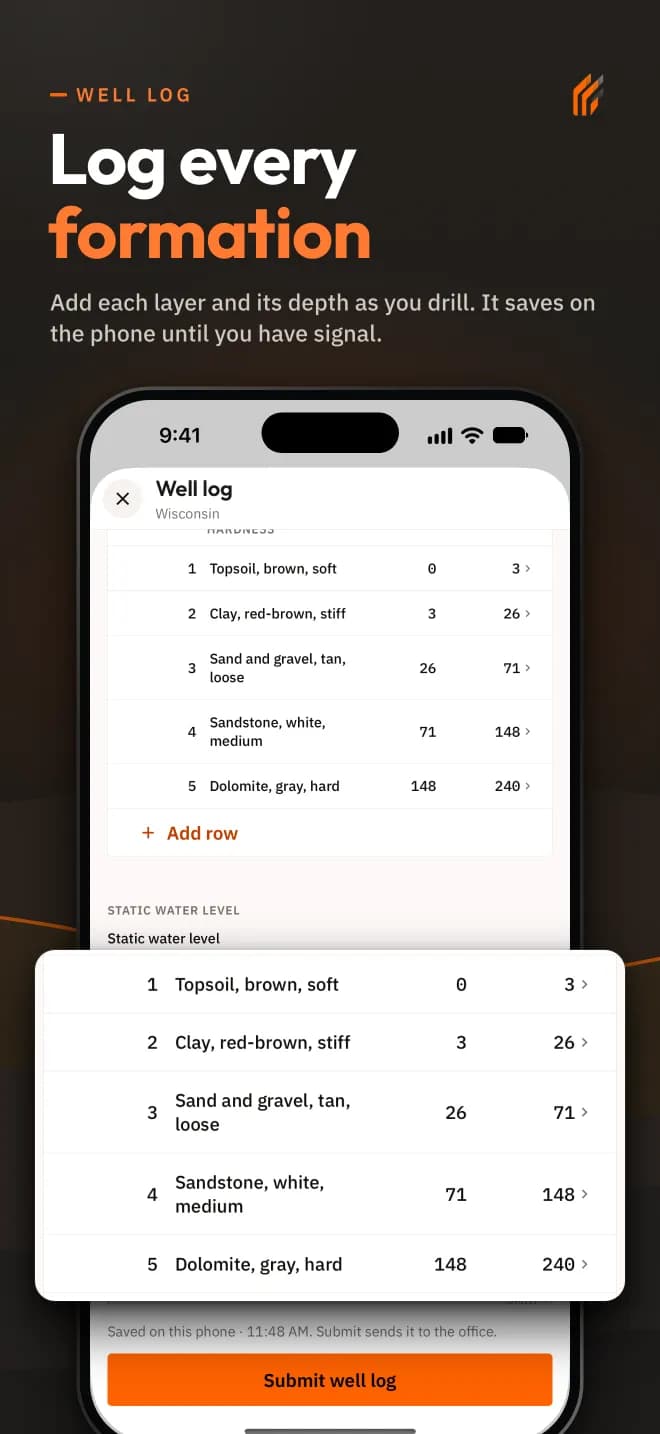
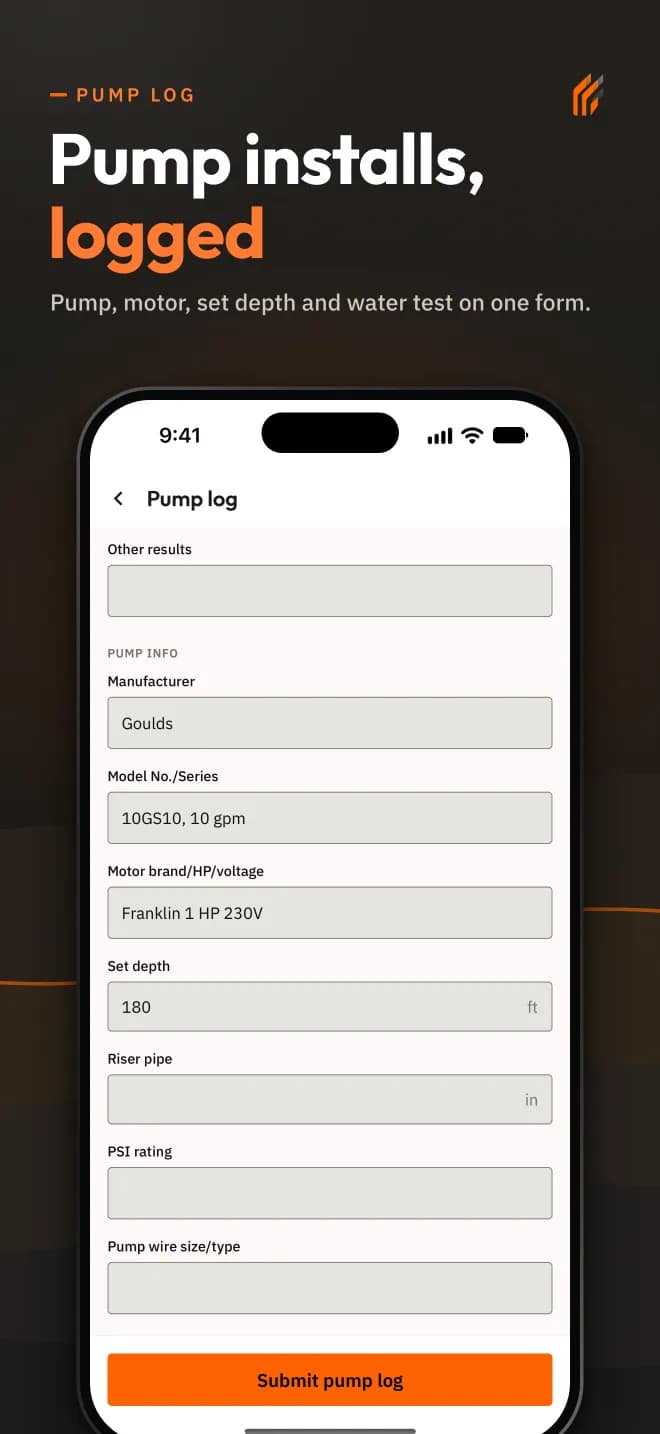
  • Complete well logs and pump installation forms
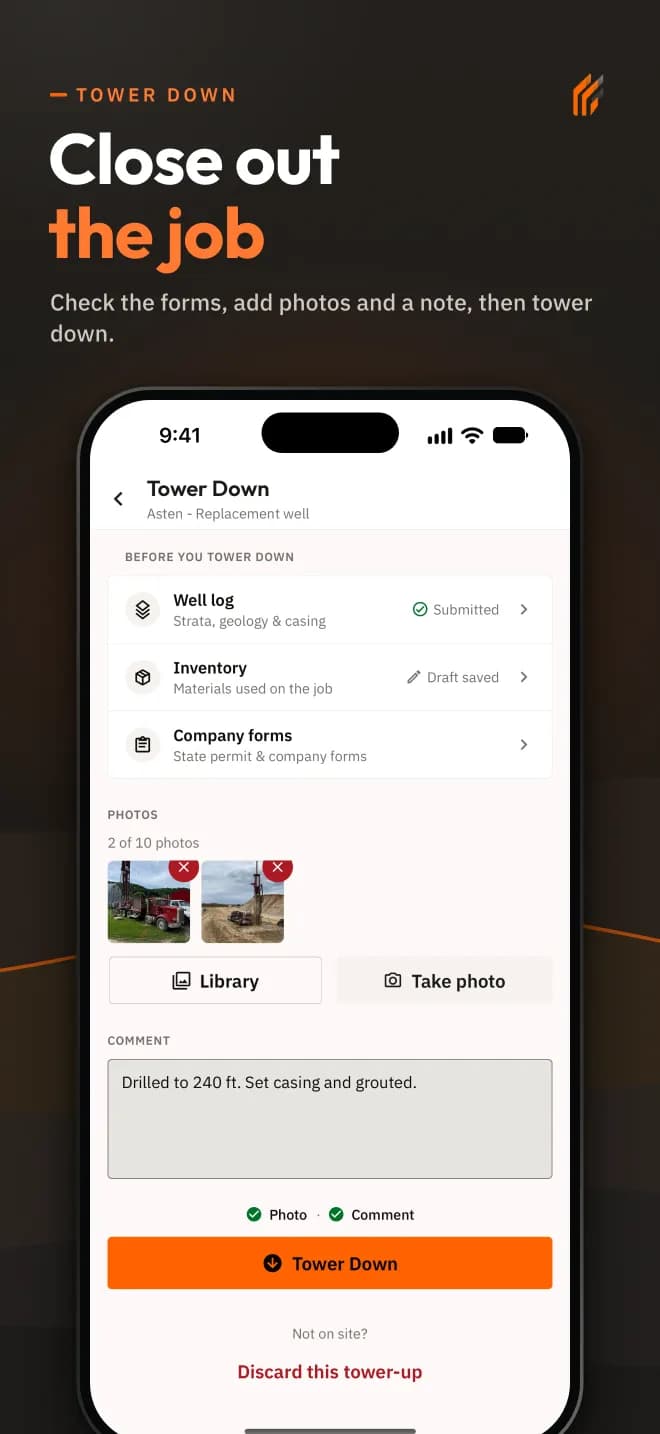
  • Document jobs with photos and notes
  • Work offline and sync when back in range
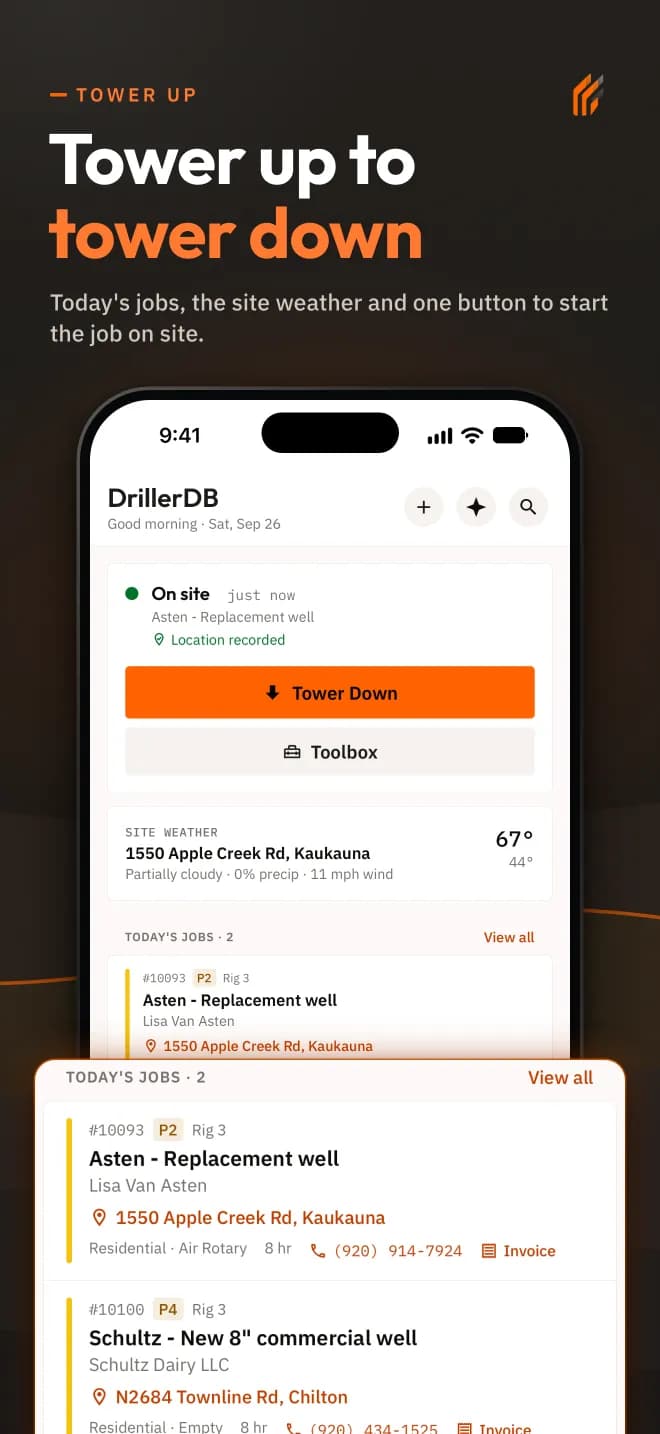
Today's jobs and the Tower Down button in DrillerDB 2.0 for iPhone
Works Offline
No signal required

Rebuilt for the field

New: DrillerDB 2.0 for iPhone and Android

DrillerDB 2.0 is a new app, rebuilt from the ground up for the field. Go from tower up to tower down in fewer taps, with well log, pump log and inventory in one place.

Already using DrillerDB? Open the old app once with a signal so your saved work uploads. Then update and sign in again once.

In the new app

  • Work offline. Drafts save as you type. Forms show Draft, Queued or Submitted and upload when you have a signal.
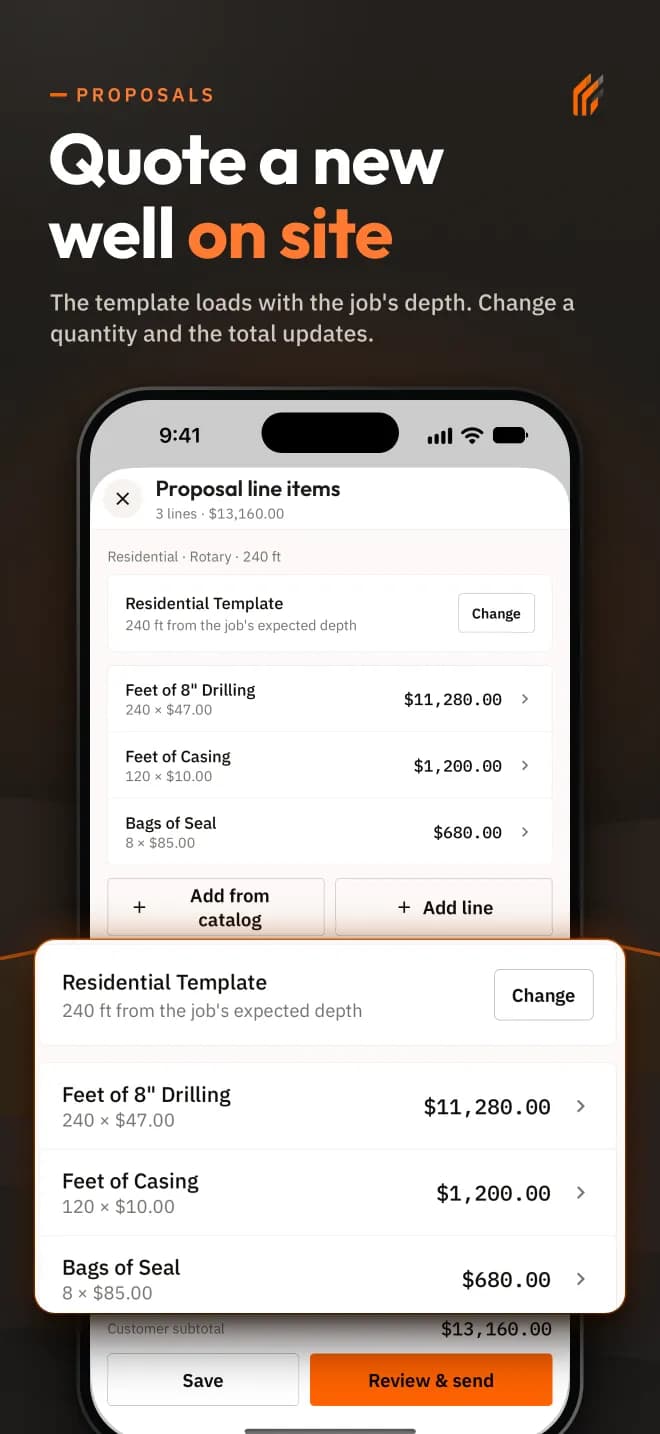
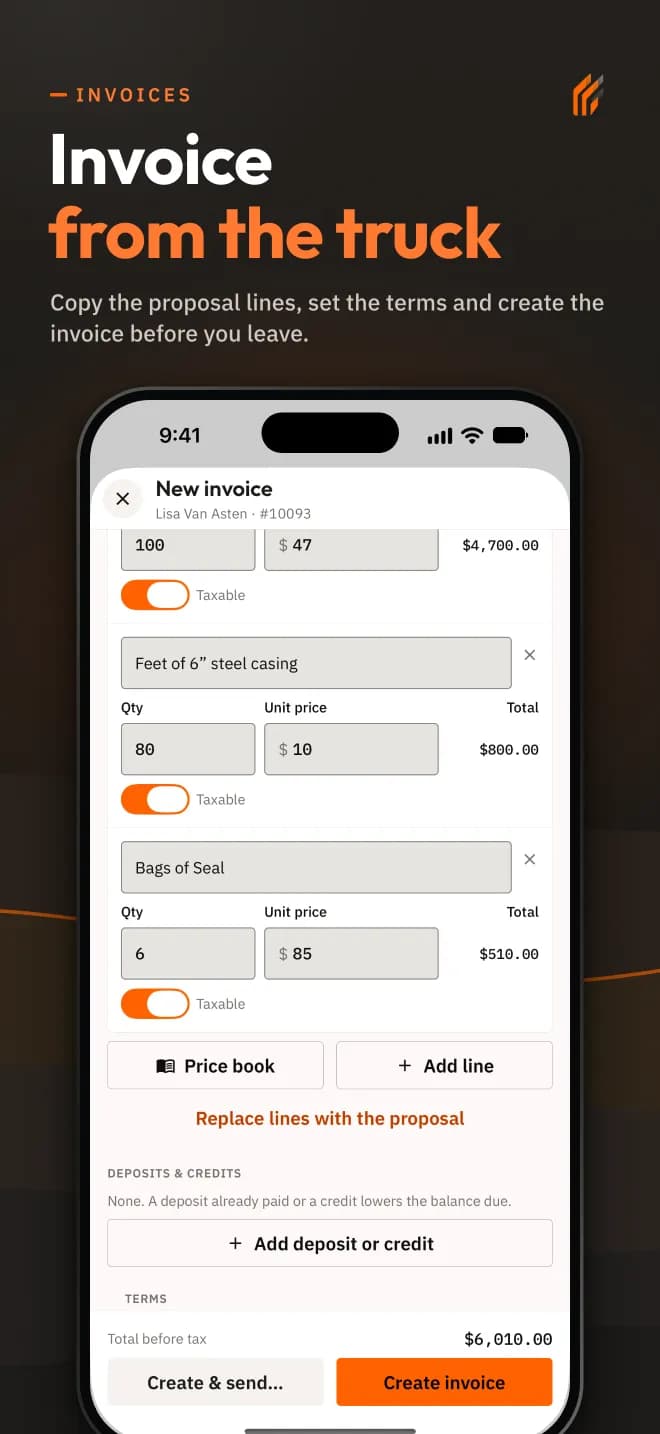
  • Build a proposal from a new job with the job details filled in. Send proposals and invoices from your phone.
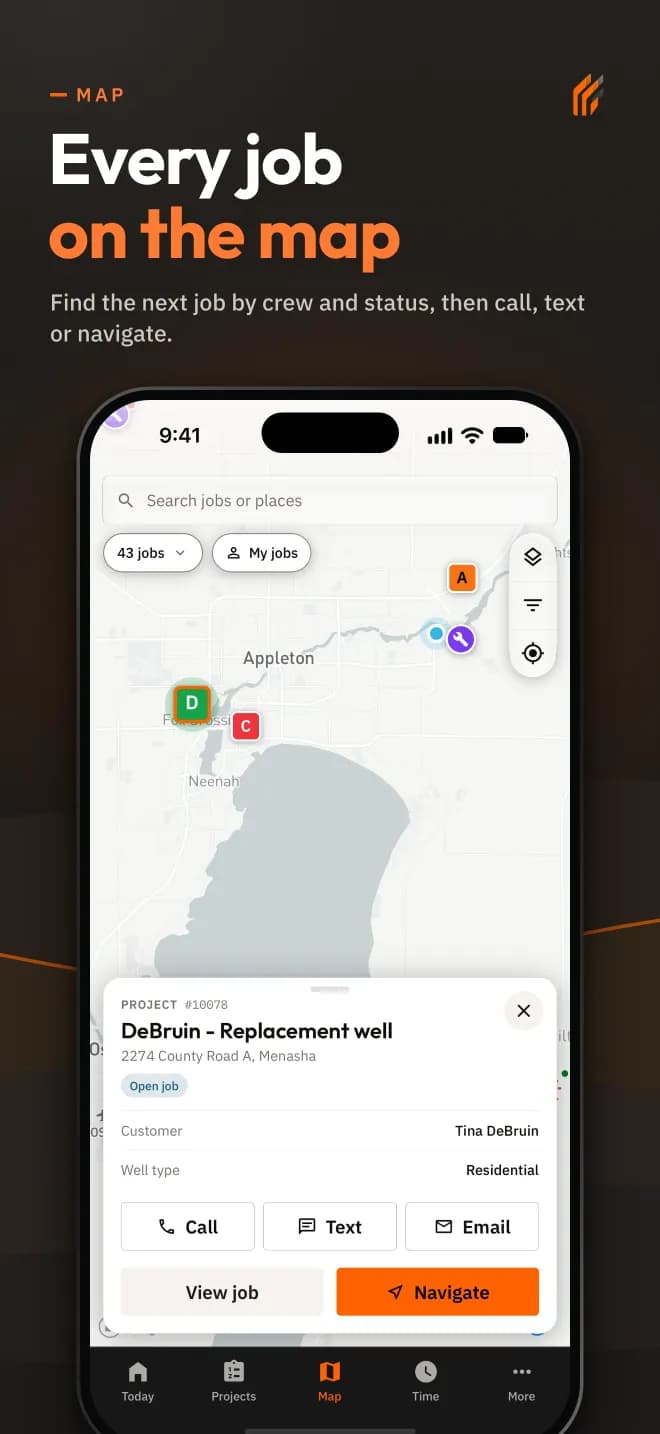
  • Find your jobs, wells and parcels in the faster job list and map.
  • Larger text, dark mode and clearer buttons throughout.

Watch the walkthrough

Recorded in the iPhone and Android apps on a demo account. The names and amounts are made up.

See the iPhone app

  • Tower up screen in DrillerDB 2.0 for iPhone
  • Well log screen in DrillerDB 2.0 for iPhone
  • Proposal screen in DrillerDB 2.0 for iPhone
  • Map screen in DrillerDB 2.0 for iPhone
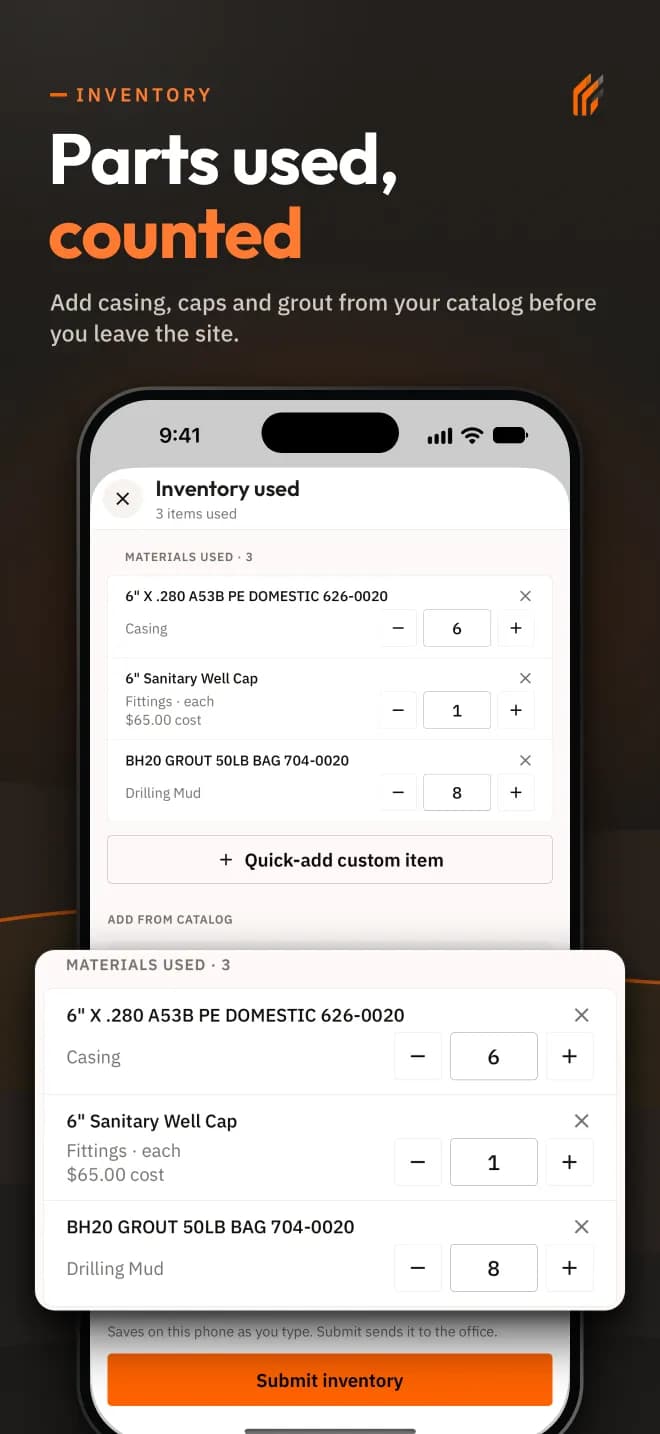
  • Inventory screen in DrillerDB 2.0 for iPhone
  • Pump log screen in DrillerDB 2.0 for iPhone
  • Invoice screen in DrillerDB 2.0 for iPhone
  • Tower down screen in DrillerDB 2.0 for iPhone
Mobile Mapping Tools

Full Mapping Powerin Your Pocket

The same mapping tools from the web platform are available on mobile, including offline access for remote locations.

Mobile app showing Nationwide Well Database

Mobile-Specific Advantages:

  • Works offline
  • Built-in camera
  • GPS accuracy
  • Auto sync
Offline Capability

Working WithoutCell Signal

The mobile apps work without cell signal, which is common at drilling sites. Your crew stays productive no matter where they are.

Data Stored Locally

All your work—well logs, photos, time tracking—is saved on your device when offline.

Full Functionality

Complete forms, take photos, and log time just like normal. The app queues everything up.

Automatic Sync

When you get signal again, everything uploads automatically. The office sees it right away.

How It Works:

01

Work at Site

Work normally at the site—the app saves everything locally

02

Drive Back

When you drive back into cell range, data syncs automatically

03

Office Ready

Office staff can start submitting the well log immediately with your field data

Never lose data from the field again

Whether you're drilling in remote areas or working in areas with poor cell coverage, DrillerDB keeps your data safe and synced.

Download theDrillerDB Mobile Apps

Get DrillerDB 2.0 from the App Store or Google Play. Already a customer? Update and sign in again once.

  • iPhone and iPad
  • Android phones
  • Works with no signal
  • Drafts save as you type

Need Help Getting Started?

Phone Support
(920) 709-9975

Our support team is available Monday through Friday, 8 AM - 5 PM CST to help you get set up and answer any questions about the mobile apps.